Sea Roll Rush
Free · Right in your browser
Sea Roll Rush
- Ability to play in full screen:
- Yes
- Technology:
- HTML5 (WebGL)
- Platforms:
- Browser (desktop, mobile, tablet)
- Publication date:
- File size:
- 2.07 MB
Game information
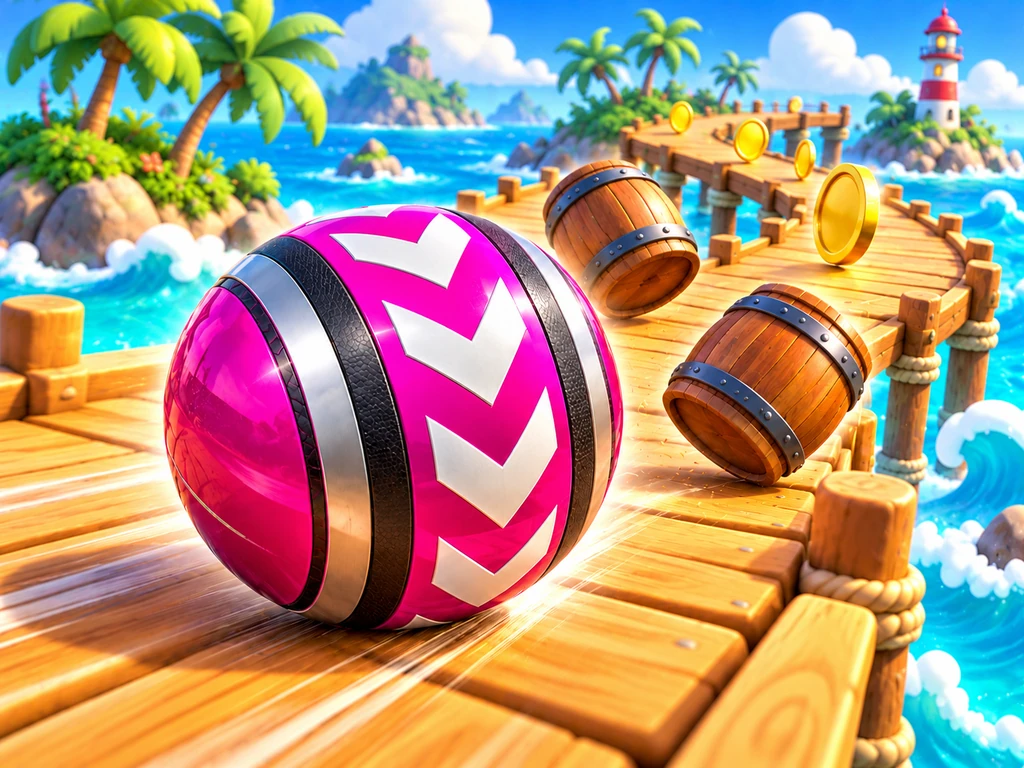
Sea Roll Rush is a solo precision game about guiding a rolling ball along courses suspended above the sea. Steer through bends, narrow bridges, slopes and moving obstacles, reach the finish and unlock the next route. Coins and keys along the way let you change the ball, its trail and the surrounding sky. The challenge comes from controlling momentum and choosing a safe line through the course.
How to play Sea Roll Rush
Choose an available course in the menu and begin a run. The first course is open initially; completing it unlocks the next one. There are 20 courses in total. You can return to any unlocked route to find a smoother line, collect items you missed or improve your personal best time.
Control the ball's acceleration and direction while allowing room for its momentum. Releasing the controls slows it down rather than stopping it immediately. Before a tight bend, ease off early instead of making a sudden correction beside the edge. Applying movement in the opposite direction helps you brake. Slopes and ramps change the ball's height through the physical movement itself; there is no separate jump button.
Courses and obstacles
The routes combine platforms, connecting bridges, turns and ramps. Later courses introduce fixed blocks, moving barriers and rotating obstacles. Your timing matters as much as your speed. A broad platform can be a useful place to wait until a moving obstacle leaves enough room to pass.
Some passages contain movable barrels. Push them with the ball and shift the cargo aside to make room to pass. Barrels follow the physical simulation too and can roll off an edge. Returning to a checkpoint restores their original positions, letting you attempt the passage again.
Only some sections have side barriers, so do not expect a rail to catch the ball at every corner. If it falls off the route, the run pauses and offers a return to the course. You must confirm that return yourself: the ball does not respawn automatically.
Checkpoints and finishing
Each course contains four checkpoints. Once you activate one, returning to the course places the ball at the most recent checkpoint; before the first one, you return to the start. This lets you practise a difficult section without restarting the whole route. Returning does not reset the current run's timer, and items already collected remain marked as collected.
Pass the last checkpoint and reach the finish to unlock the next course. Collecting every item is optional. The timer measures the attempt from its beginning, and each route keeps its own best result. There is no limit on the number of falls. After completing all 20 courses, you can keep replaying unlocked routes to improve your times. Starting a new run preserves unlocked courses, your wallet and purchased cosmetics.
Coins, keys and the garage
Every route has 32 coin pickups and one key. In this IGROFLOT version, each pickup credits 50 wallet coins, so collecting all coins on a course earns 1,600. An individual pickup counts once during the current run. Returning to a checkpoint does not award the same item again.
The garage offers 15 ball appearances and 11 trail options, including the starting designs. These use coins. There are also four environment options: the initial sky is available immediately, and the others cost 5, 5 and 8 keys. All of these changes are cosmetic. A more expensive ball has the same speed, grip and vulnerability to falling as the starting ball.
Progress and settings
Guest progress is saved on the current device. Signing in uses a separate account save containing the current attempt, unlocked routes, records, wallet and cosmetics. A guest run is not automatically copied into another account. Before leaving, open the menu and wait for the save confirmation. Music volume, game sounds and graphics quality have separate settings.
Tips
- Slow down before entering a bend so you still have room to correct your line.
- Watch a moving obstacle through its full cycle instead of aiming for the first visible opening.
- Secure a checkpoint before taking a risky detour for an item near the side.
- Skip dangerous coins when chasing a fast time, and use a more careful replay to build your wallet.
- Choose a ball and trail that are easy to follow against the course; their physical behaviour is identical.
Similar games
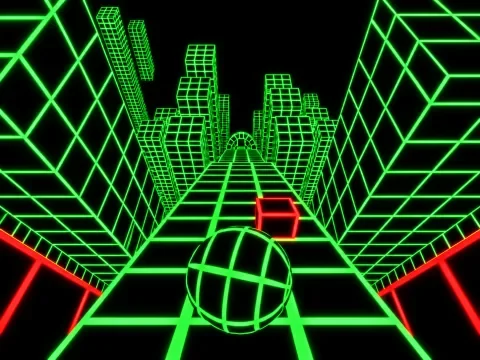
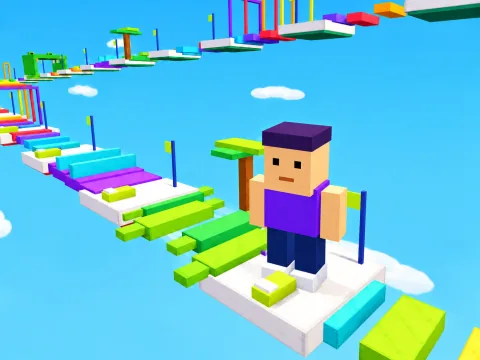
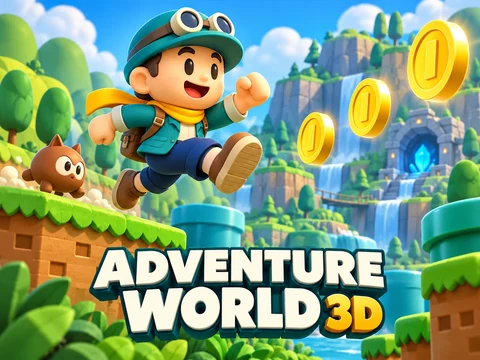
Neon Slope also tests your ability to keep a ball on course through timely steering. Level Up: Parkour offers spatial obstacles and checkpoints with a different movement style. Adventure World 3D combines precise movement with jumping, coin collection and a sequence of unlockable stages.
How to play
Controls
- WASD or arrow keys — roll in four directions.
- Release the controls to slow down; apply the opposite direction to brake.
- R or the on-screen ↺ button — return to the last checkpoint, or the start before the first checkpoint. The timer is not reset.
- Esc — open the menu or continue the current run.
- Phone and tablet — use the round joystick on the left and the on-screen buttons.
- Ramps lift the ball through its physical movement; there is no separate jump button.