Shooting

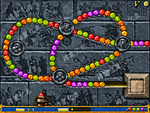
 Guardian of the Four Elements
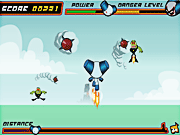 Robotboy Saves Tommy


 Send Home


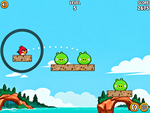
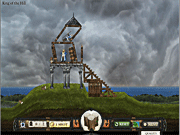 Crush the Castle 2
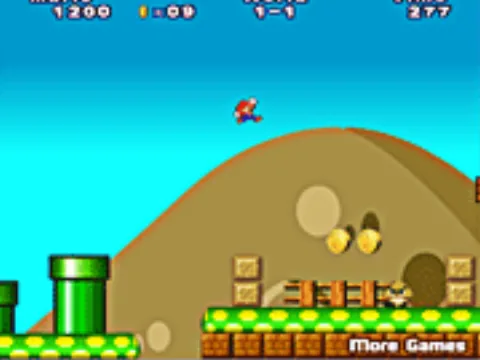 Mario's Mushroom Adventures
 Parking Lot Hooligan
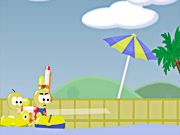 Raft Wars 2
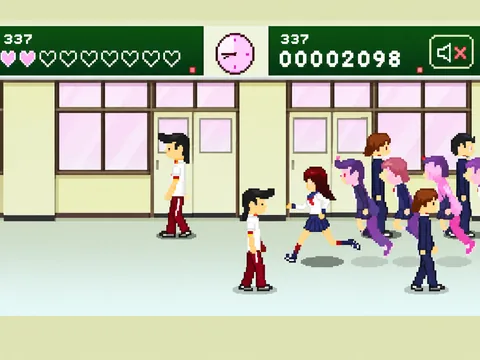 Shooting with Your Eyes


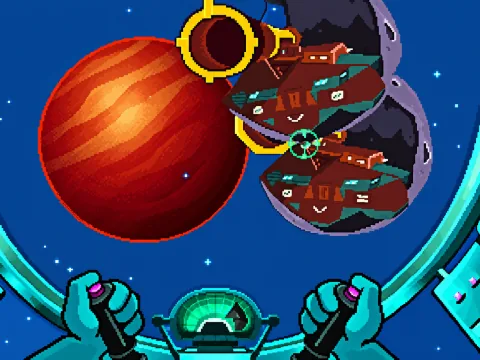 Duck Dodgers the Astronaut
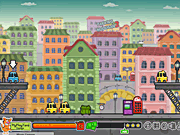 Parking Lot Hooligan 2
 Deep Freeze

 Basketball Shooter 2

 Mercenary Robin

 Lone Faction 2
 Awesom Pirates
 Teenage Mutant Ninja Turtles — Double Damage
 Bounzy
 Rabbit Adventures in Time


 Pappired vs. Tooth Decay
 Cruiser
 Air Gunner
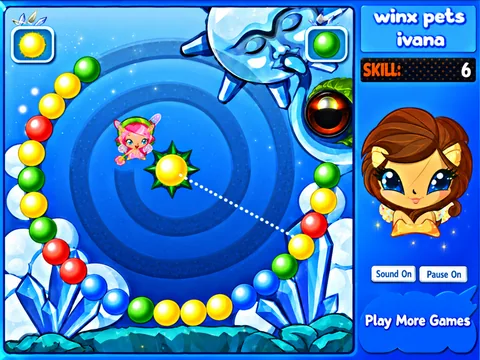 Winx Club Zuma

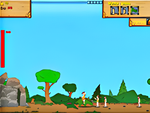
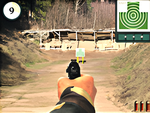

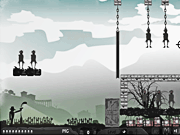 Zombie Shooter
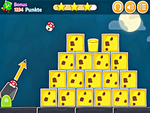
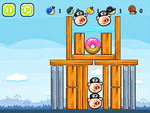


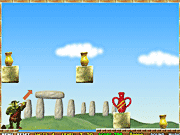 Breaking Jugs
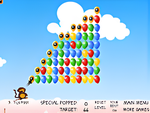

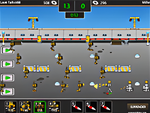
 Caribbean Admiral
 Amazing Adventures of Mario - 3
 Hitstick 5
 Invader Zim
 Big Super Hero
 Cute shooter
 Hey, Kid!

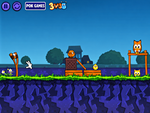
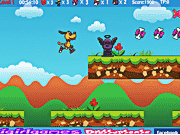 Puppy Adventures

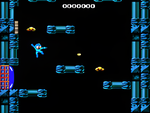
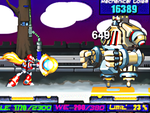

 Toss Mario



 Dragon
 Minecraft Tower Defense 2


 Cat in a Cloak
 Three Little Pigs - Home Defense
 Unstoppable

About the games in this section
Shooting games ask you to choose a target, line up a shot and judge the result. This collection includes first-person battles, space arcade games, cannon puzzles, castle destruction and games with colored bubbles. Some reward movement and quick decisions, while others focus on a projectile's path or the placement of defenses.
Aiming and moving in combat
When opponents can shoot back, accuracy is only part of the challenge. Watch the space around you, use cover where it is available and move away from an awkward position. Before playing, check what ends the round: clearing targets, reaching a score or completing another objective.
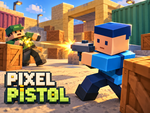
- Pixel Pistol — fight from a first-person view in three-dimensional arenas. Choose weapons for the distance, watch your health and ammunition, and move between cover. The available modes include free-for-all, team battles and an arms race.
- Space Invaders — control a space cannon and fire at a formation of invaders. Keep an eye on both the targets and your room to move, rather than following just one opponent.
Cannons, ricochets and destruction
In trajectory puzzles, inspect the targets and obstacles before firing. Adjust the direction a little at a time so that you can understand a miss and improve the next attempt. A direct route may be blocked, making the layout and the projectile's behavior after impact part of the puzzle.
- Penguins vs. Zombies — help armed penguins deal with zombies. Pay attention to ricochets: a reflected bullet can hit the shooter as well.
- Roly-Poly Cannons 2 — fire cannonballs at monsters sheltering behind obstacles. Look for a useful angle instead of repeatedly hitting the same barrier.
- Crush the Castle 2 — destroy castles with a catapult. Observe how the structure is arranged and compare the effects of your hits to choose a more useful direction for the next launch.
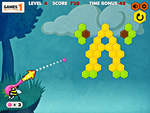
- Angry Bee — use a cannon to knock down another hive's honeycombs. The targets you need are yellow, so identify them among the other objects before choosing where to aim.
Shooting colored bubbles
For aiming without a combat setting, try a color-matching puzzle. What matters is the group that a shot helps create, rather than the hit alone.
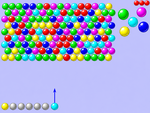
- Shoot Balls — Bubble Shooter — send bubbles toward others of the same color and clear the board. Compare several possible groups before firing so that you do not block a useful route to the color you need.
Defenses that fire automatically
Defense games change your role: you prepare positions and distribute resources instead of aiming every shot. Poor placement can matter more than an inaccurate hit.
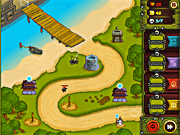
- Boat Invasion — place naval towers along the enemy boats' route, earn money and improve your weapons. Check which stretches remain uncovered before strengthening an area that is already protected.
Questions about shooting games
What should I choose if I prefer planning to quick reactions?
Start with a trajectory puzzle, a catapult game or color matching. These offer a different challenge from moving around a combat arena: you can focus on the targets' positions and the consequences of your next shot.
Do I aim manually in every game?
No. In shooters and cannon games, you choose the direction. In tower defense, weapons fire from the positions you have prepared. Choose according to whether you enjoy precise hits or planning a defense.
Where can I find the controls?
Open the How to Play section on the chosen game's page. Keyboard commands, mouse actions and touch controls depend on the particular game; the collection does not use one shared control scheme.