IGROFLOT City
Free · Right in your browser
IGROFLOT City
- Ability to play in full screen:
- Yes
- Technology:
- HTML5 (WebGL)
- Platforms:
- Browser (desktop, mobile, tablet)
- Publication date:
- File size:
- 3.16 MB
Game information
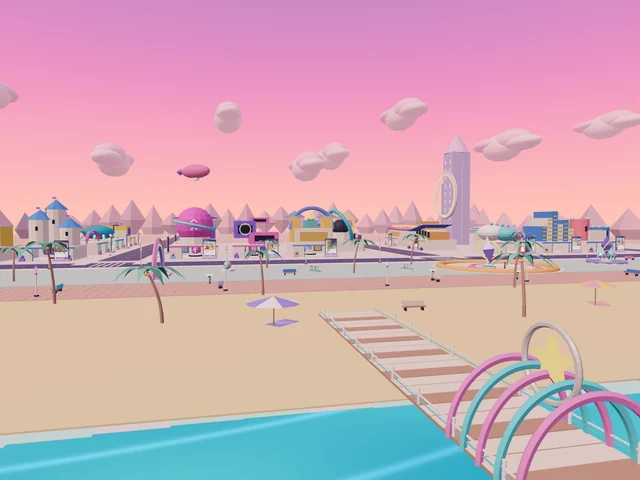
IGROFLOT City is a seaside 3D world for exploring and discovering IGROFLOT games. Guide your character around the waterfront, park, studio district and roads through the dunes. The city has 24 game banners, each leading to a different game. Along the way, discover nine landmarks, watch available gameplay previews and choose your next destination.
How to play IGROFLOT City
After loading, you arrive in the main square or continue from your saved position. Pick a direction and explore at your own pace. Running helps with longer streets, while jumping gives you another way to move around and view the surroundings. Switch between first-person and third-person cameras to find the view you prefer.
Walk up to a game banner. When you are close enough, an entry button appears with the game's name. Open it to load that game in a separate playing window inside the city. Your walk pauses while you play. Use “Back to the city” to close the game and return to the exact spot beside the banner.
Follow the coast and explore the dunes
The coastal area includes a beach, pier, lighthouse and shell-shaped stage. A strip of parkland separates the waterfront from Game Avenue. Beyond the avenue is the studio district, where the game pavilions have different designs. Their buildings provide useful landmarks when you are finding a familiar game again.
Long roads continue beyond the busiest part of the city and into the desert. Follow them to explore the more open landscape, find the observatory and reach the Star Arch. The scenery changes from water and greenery to sandy hills and the canyon, giving you different views back towards the city.
Game banners and the city map
Each of the 24 banners shows its game's cover. Nineteen games also have video previews. As you approach an eligible banner, a short gameplay clip can replace its still image. Look at the action before choosing whether you want to race, build, explore or try another kind of game.
The city map has a list of game portals and a separate tab for landmarks. Selecting an item marks its location on the map. Check the direction, close the map and walk there yourself. The smaller map helps you keep track of your position as you move around the streets.
Nine discoveries and your saved route
A discovery message appears when you approach a special location. Find all nine: Arrival Square, Sunset Pier, Prism Fountain, Rainbow Gate, Horizon Lighthouse, Cloud Garden, Shell Stage, Dune Observatory and Star Arch. The map tracks discovered places separately from the games you have visited.
Your position, discoveries, visited banners and settings are saved. Guests continue on the same device; signing in uses a separate account save. Wait for the save confirmation at the bottom before leaving. Settings let you adjust graphics quality, camera mode, volume and look sensitivity.
Explore with friends
The “Invite a friend to the game” button lets accepted friends meet in the same city room. A room supports up to eight real participants, including its owner. Their characters appear on the same streets while your own route and discoveries remain separate from theirs.
Tips
- Start with a loop along the coast, then turn towards the avenue to learn how the districts connect.
- Choose a nearby map destination first, so you can notice landmarks on the way to a more distant game.
- Stop in front of a banner and face its screen to inspect the cover and any available preview.
- On a slower device, choose Light graphics quality and adjust look sensitivity before a longer walk.
Similar games
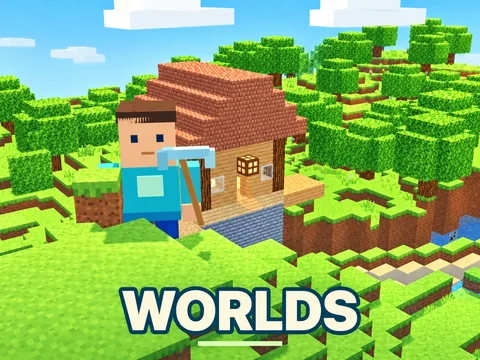
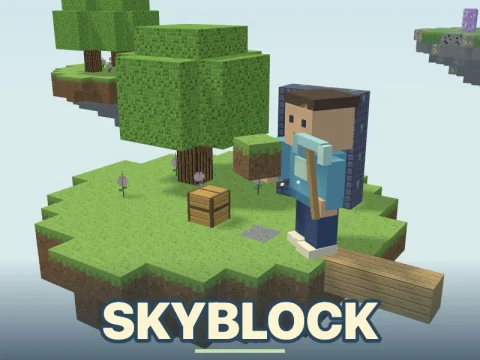
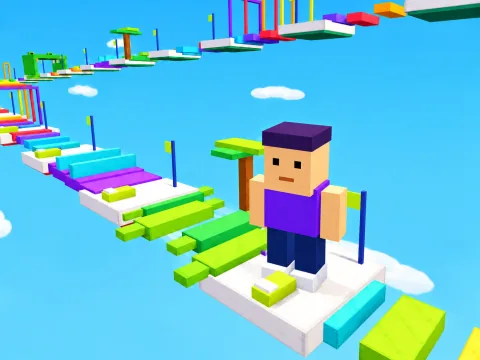
Worlds combines exploring 3D spaces with creating your own world. Skyblock adds island building and development. LevelUp: Sky Parkour focuses on precise movement and jumping through obstacle routes.
How to play
Controls
- WASD or arrow keys — move
- Hold the left mouse button and drag — look around
- Shift — run
- Space — jump
- E or the button beside a banner — enter its game
- V — switch camera view
- M — open the city map
- Esc — open settings
- On a phone or tablet, drag on the left to move and on the right to look; use the on-screen jump and game-entry buttons
- “Back to the city” — close the game and continue from the same spot